
Work still moves through email and spreadsheets.
Requests, approvals, reminders and status updates depend on people remembering the next step.
Microsoft 365 consulting & solution engineering
W.I.S.E. connects SharePoint, Power Platform, automation and governance so your Microsoft 365 environment works as one system.
Senior-led. Scoped before build. Built for handoff.
Select a card to explore its capability. Drag horizontally to rotate, or use the left and right arrow keys. Tab to a card and press Enter to open it. Space pauses or resumes rotation; Escape stops rotation.
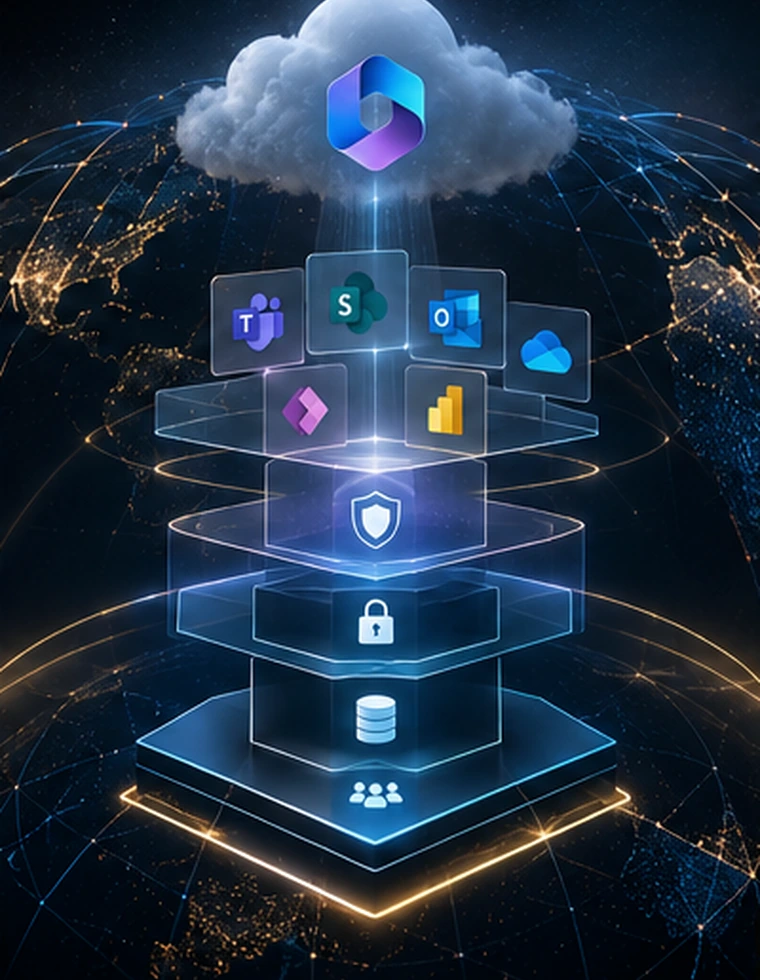 hero-orbit-m365-architecture
 hero-orbit-sharepoint
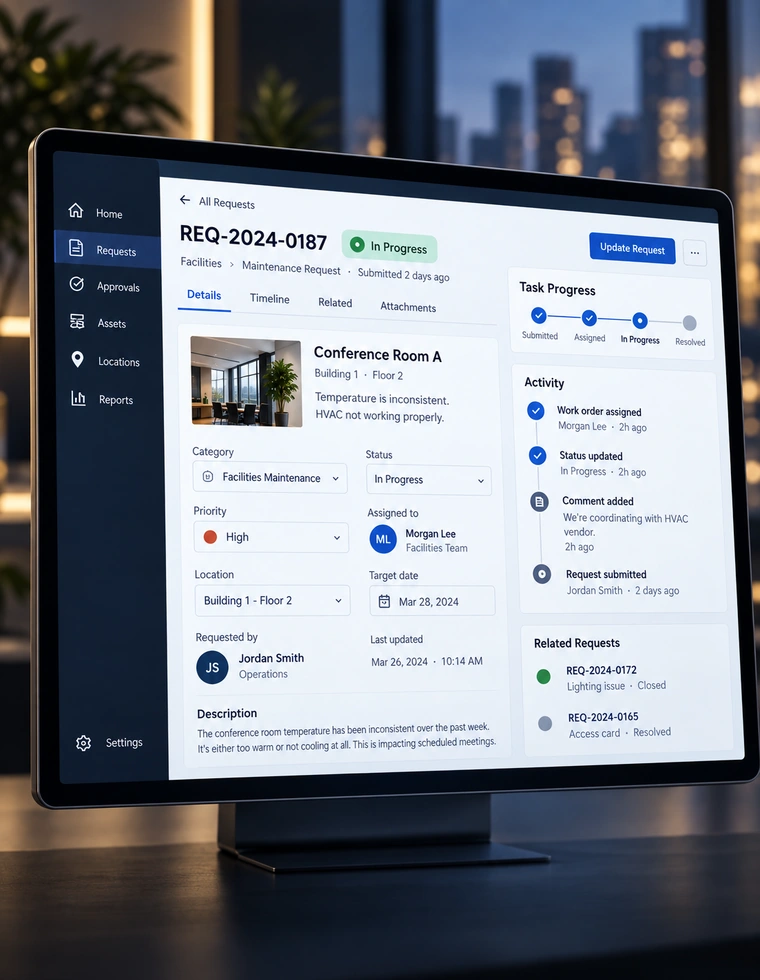 hero-orbit-power-platform
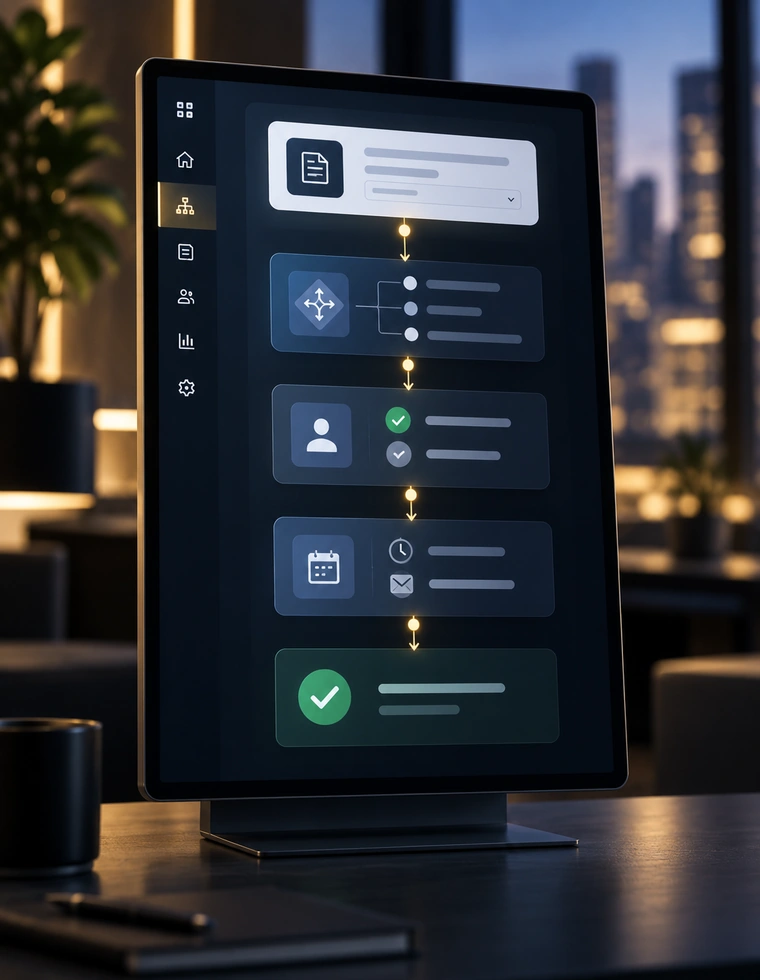 hero-orbit-automation
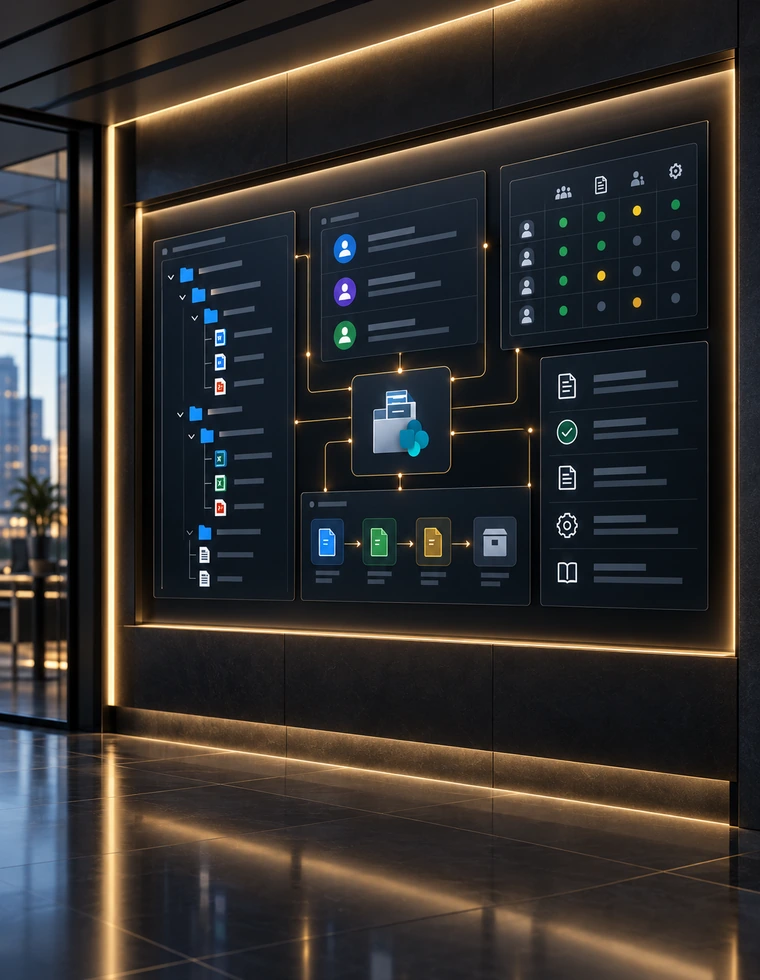 hero-orbit-governance
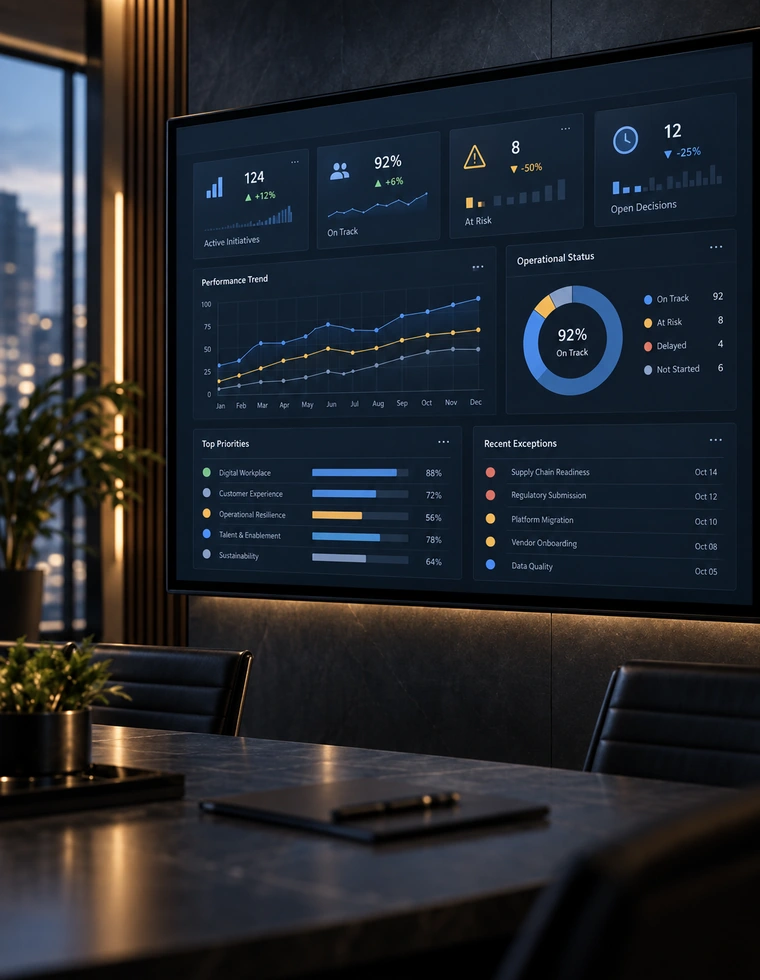 hero-orbit-reporting
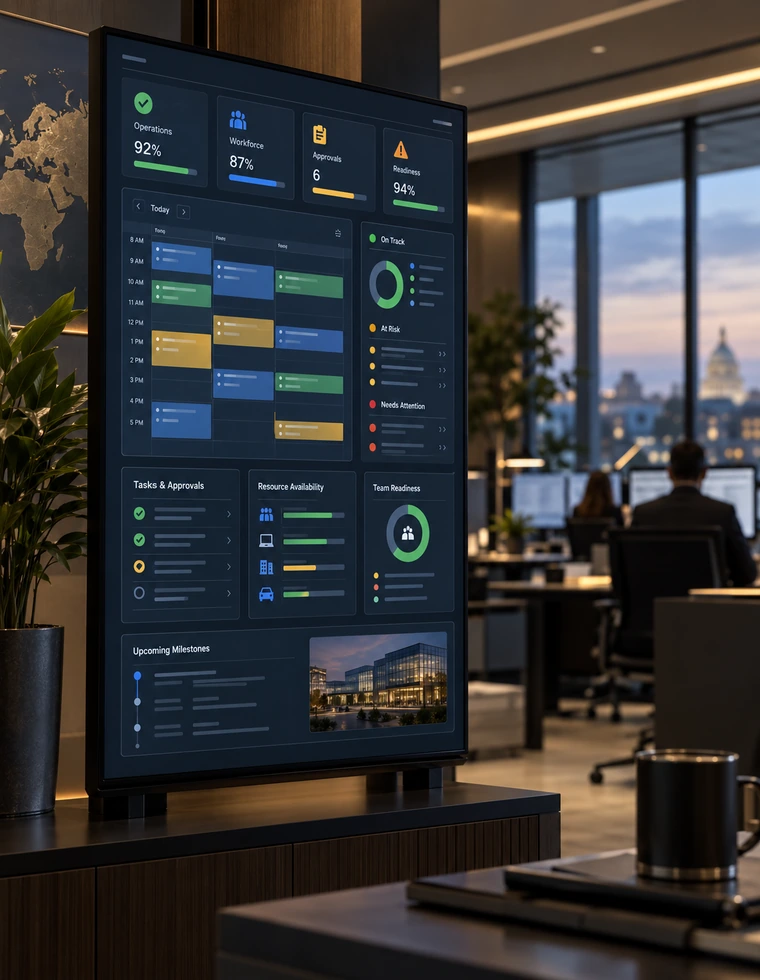 hero-orbit-operations
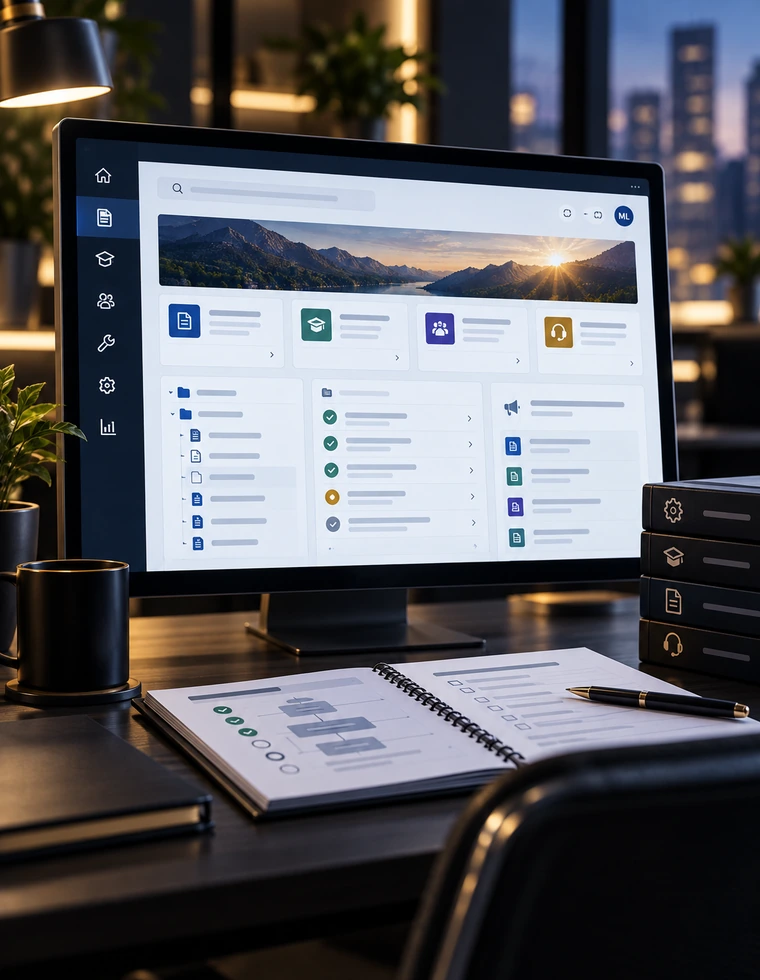 hero-orbit-adoption
W.I.S.E. participates in Microsoft's partner program while maintaining an independent consulting practice focused on Microsoft 365, SharePoint, Power Platform, automation, governance and sustainment.
What that meansStart with the friction
Most conversations start with a business problem, not a product name. If one of these sounds familiar, W.I.S.E. can help find the responsible first move.
Start with an environment assessmentRequests, approvals, reminders and status updates depend on people remembering the next step.
People cannot tell where information belongs, which version is trusted or who owns the workspace.
Access decisions are inconsistent, ownership is unclear, or unique exceptions have accumulated over time.
Reporting exists, but it depends on manual consolidation, stale spreadsheets or disconnected status updates.
Business-critical automation lacks documentation, shared ownership, monitoring or a clear support path.
The opportunity is not another license. It is connecting the tools you already own around how the business actually works.
01 / Services
Start with an assessment, a build, a modernization effort or a defined support gap.
Explore all nine servicesClarify the current state, priorities, risks and practical next moves before committing to a larger build.
See the assessmentTurn a collection of Microsoft tools into a connected environment with a clear direction, accountable ownership and a realistic delivery plan.
ExploreBuild a digital workplace people can navigate, trust and maintain, from site architecture to practical lists, libraries and business experiences.
ExploreConnect applications, automation and reporting around a sound data model and an operating plan that lasts beyond the first release.
ExploreConnect the handoffs between people and systems, with defined rules, reliable status and a plan for the work that does not go as expected.
Explore02 / Capabilities
Services define what you engage. Capabilities explain how the environment is designed and built.
View the capability portfolio03 / Representative solutions
Anonymized solution patterns grounded in prior professional delivery experience. They show the depth of problems W.I.S.E. is equipped to solve.
Explore all solution patterns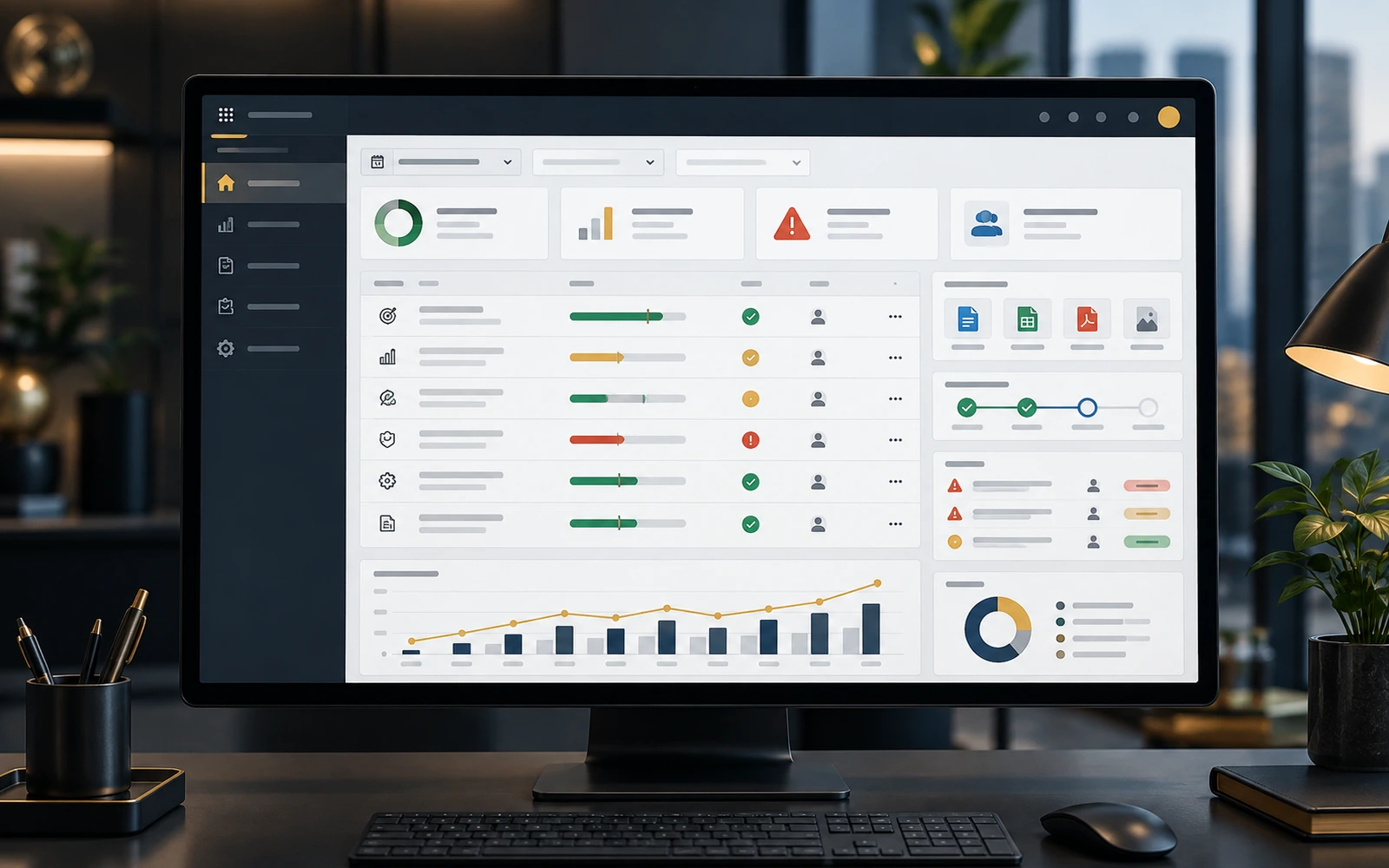 solution-performance-kpi-management
A representative Power Apps and SharePoint solution pattern for guided submissions, evidence, verification, corrective actions, automated rollups, reporting-period controls, and leadership reporting.
Explore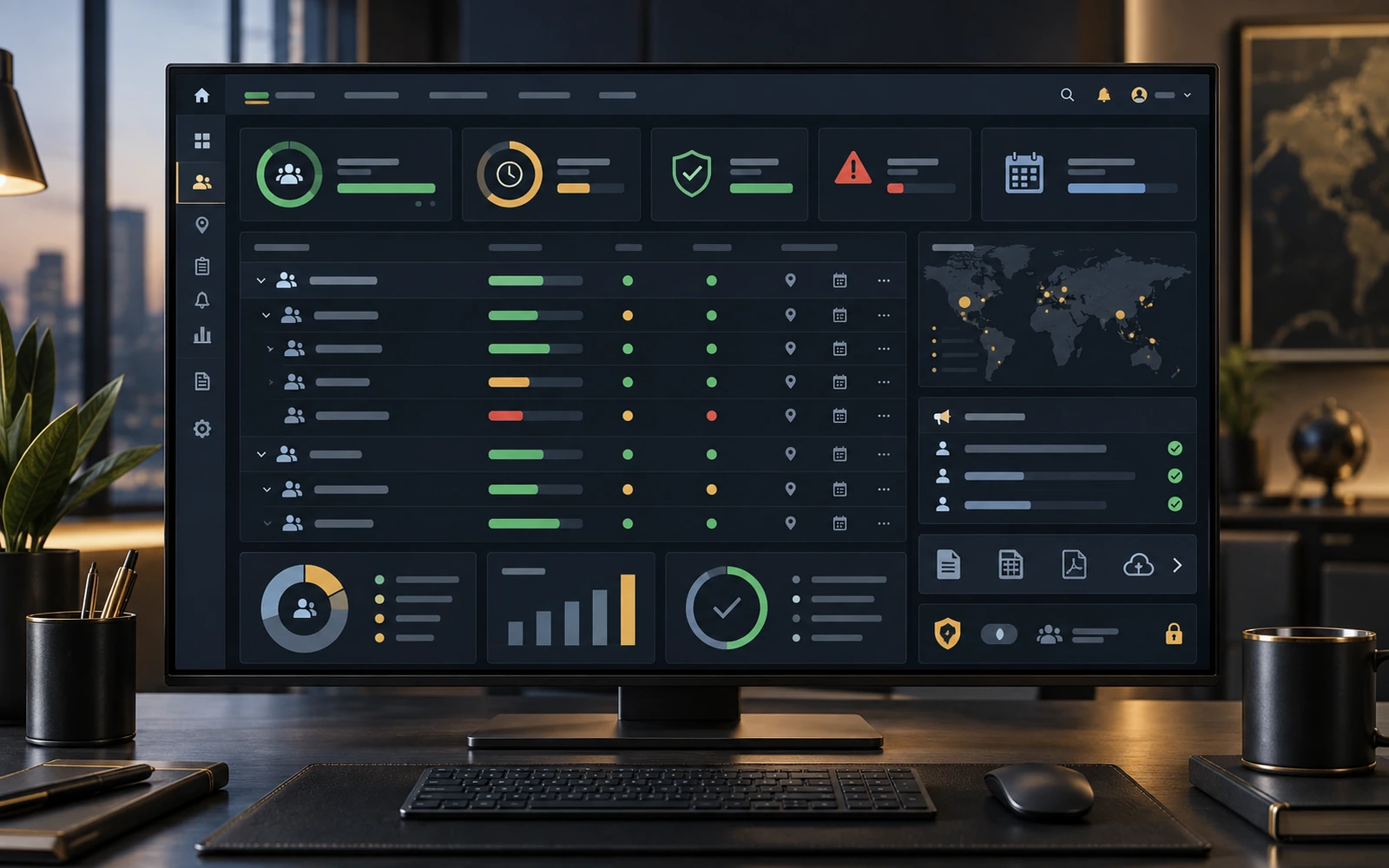 solution-personnel-accountability-readiness
A representative personnel accountability and emergency-response solution pattern with daily reporting, mass updates, organizational views, date-driven statuses, dashboards, exports, Teams broadcasts, authorization controls, and confirmation safeguards.
Explore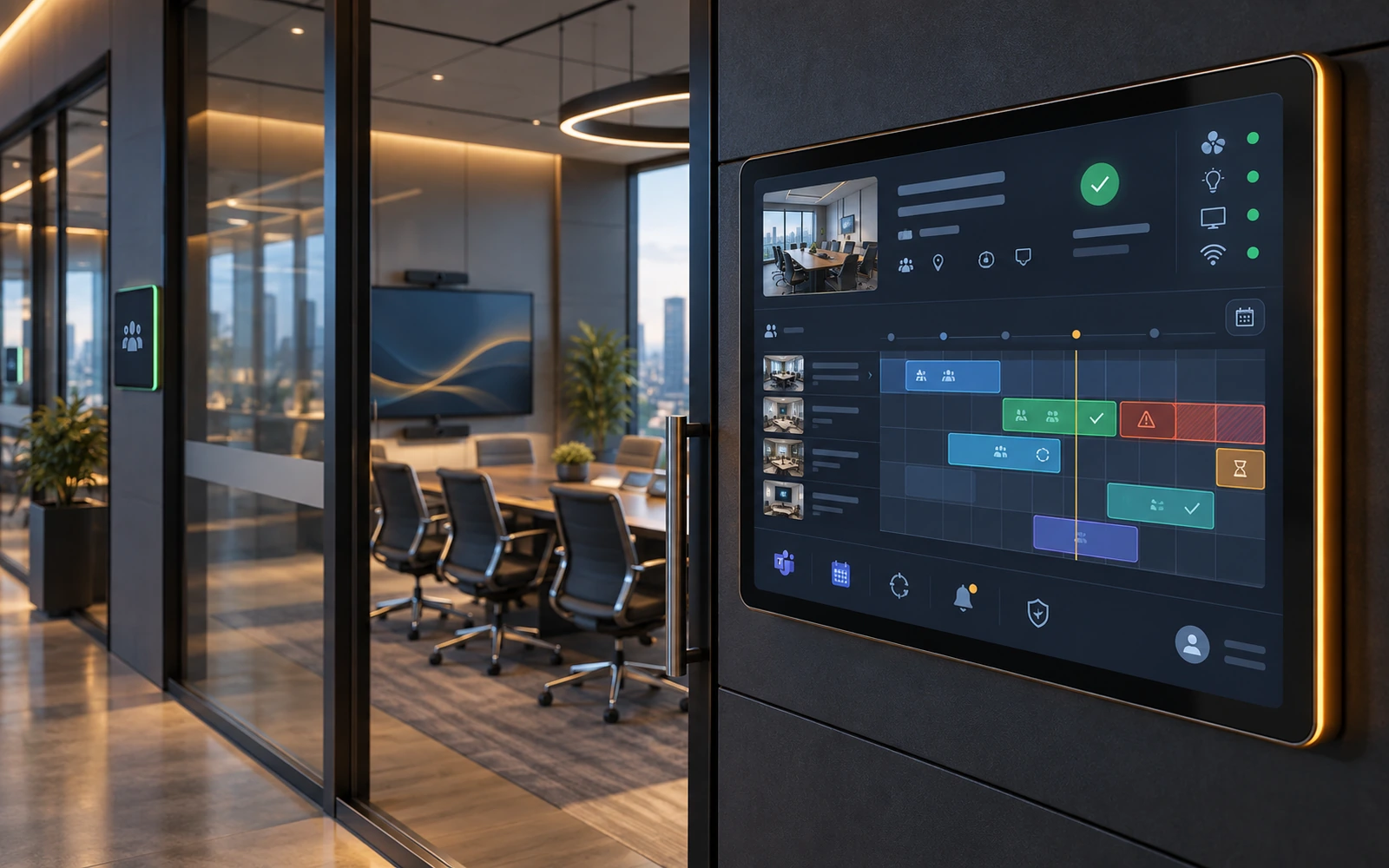 solution-facilities-resource-management
A representative multi-facility reservation solution pattern integrating real-time availability, conflict prevention, recurring reservations, role-based approvals, security review, room-readiness data, Teams, Outlook calendars, and Entra ID.
Explore04 / Meet the Team
Bill J. Whitley brings more than a decade of enterprise technology experience into W.I.S.E., from infrastructure and cyber operations to Microsoft 365 and Power Platform solution engineering.
Alongside Bill, COO Mike Hutchinson brings operations leadership, client coordination, and disciplined follow-through. Together, they connect solution engineering with the day-to-day work of delivery.
Meet the team
05 / Approach
Define the scope, prove a useful change, then expand what works.
Understand the environment, the operating friction, the decision context, and the constraints that actually matter.
Define the future-state architecture, ownership, security, data, integrations, and user experience before building.
Deliver a focused production solution with controls, testing, documentation, and operational reality built in.
Make the improvement visible through adoption, cycle time, status, reporting, quality, or reduced manual effort.
Reuse the successful pattern where it creates the next most valuable improvement—not everywhere by default.
Why W.I.S.E.
The engagement model is designed around clear ownership, predictable scope and a solution your team can understand after handoff.
See how engagements workThe people shaping the scope remain connected to delivery, decisions and client communication.
W.I.S.E. works inside client-controlled environments where practical and designs for client ownership rather than platform lock-in.
Defined work begins after a written estimate range and not-to-exceed cap. Licensing or third-party costs are called out separately.
Administration, handoff, ownership and maintainability are considered during the build—not added after launch.
06 / Insights
Practical buying and engineering guidance, with Microsoft documentation where platform behavior matters.
Read all guidesPlanning ranges, cost drivers and a practical way to budget without pretending every Microsoft 365 project is the same.
ExploreA practical way to distinguish a project that changes the environment from a service that keeps an agreed part of it running.
ExploreMissing records are not always a permissions problem. A formula can return a valid-looking subset instead of the complete answer.
ExploreChoose a data architecture around the process and its risks, not just the connector that is easiest to select.
ExploreStart a conversation
Start with the process, the idea or the problem you need to solve. W.I.S.E. can help define a practical scope.