
Purpose-built page components
Resource directories, request panels, operational views and list-backed tools that put the right information and actions on the page.
09 / Custom SharePoint development
Make SharePoint work the way your team does. W.I.S.E. builds custom web parts, extensions and connected experiences when standard pages need to do more.
A focused component or a reusable experience across sites. Start with the problem, not a specification.
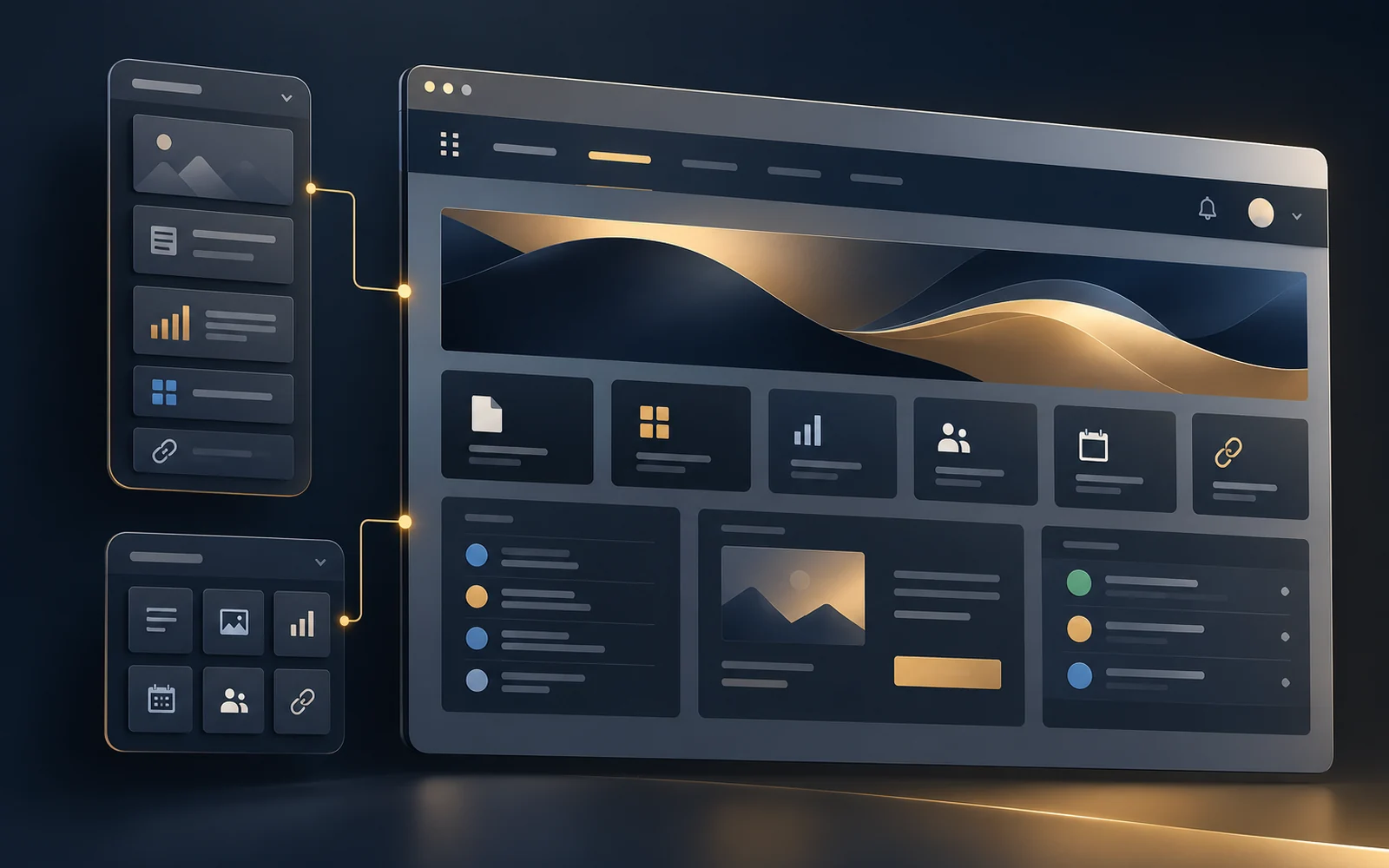
Beyond a standard page
Sometimes the gap is a missing component: a useful status view, a clearer way to find resources, or a consistent action panel across departments. W.I.S.E. helps close that gap without turning every requirement into a separate application.
SharePoint Framework is Microsoft's development model for custom SharePoint web parts and extensions. It lets developers add tailored interfaces to the Microsoft 365 environment people already use. [1]
Our approach connects the interface to the underlying information, permissions and operating process. The goal is a useful business tool, not custom code for its own sake.
What we can build
Examples of scoped development, not an off-the-shelf product catalog. Each build starts with your users and tenant requirements.
Resource directories, request panels, operational views and list-backed tools that put the right information and actions on the page.
Shared navigation and application launchers, with centrally managed links and configuration where the design calls for it.
Notification panels and action summaries that bring relevant updates into SharePoint, with targeting and source-data permissions designed together.
Custom list commands, field displays and forms that help users work with business records without unnecessary navigation. [2]
Configurable page components and content-driven experiences that support consistent presentation while leaving appropriate content control with site owners.
SharePoint data, approved APIs and Power Platform processes brought into a coherent experience. Teams-hosted components can also be assessed where supported. [3]
The right tool, not the most code
We compare the simplest maintainable options first. A good solution can combine native SharePoint, Power Platform and custom development.
Start here when native pages, web parts, lists, views and formatting meet the requirement. Less custom code means less custom code to maintain.
Explore digital workplaceConsider these for business forms, operational apps, approvals and workflow automation. They can work alongside a custom SharePoint experience.
Explore Power PlatformUse SPFx when you need a tailored interface, reusable web part or supported extension inside SharePoint that configuration alone cannot provide.
Talk through the fitFrom requirements to handoff
W.I.S.E. brings discovery, hands-on engineering and sustainment into the same scope.
Agree the users, business outcome, data sources, site scope, access requirements and acceptance criteria.
Develop the component and test keyboard use, responsive layouts, permissions, loading and error states with representative users.
Prepare the SharePoint solution package, configuration and agreed app catalog rollout with your administrators. [4]
Provide the agreed source, build instructions, admin notes, release and rollback guidance, with training or ongoing support when included.
We scope against supported SPFx interfaces, tenant policies and approved access. Custom navigation is not a permission boundary; sensitive data still needs protection at its source. API permissions are reviewed with your administrators, and secrets do not belong in browser-delivered code. [5]
Before you start
SPFx engagements can range from a focused component to a connected, multi-site solution. Components, integrations, rollout scope and testing determine the estimate.
Scope, assumptions and a not-to-exceed cap are agreed before work begins. Review the planning ranges for an initial sense of investment, then we will size the work around your requirements.
See engagement planning rangesYes. We can start with a review of the source, dependencies, permissions, deployment and known issues, then scope targeted fixes or modernization. Access to the existing source and the right to modify it are part of that review.
The handoff is planned up front: source and build instructions, editable configuration, admin guidance and training can be included in the agreed deliverables. Ongoing W.I.S.E. support is a separate, scoped option.
We confirm the platform, app catalog access, policies, APIs and supported features during discovery. SharePoint Online is the primary focus; restricted cloud environments and older SharePoint versions require a specific compatibility review.
No. Describe what users are trying to accomplish and where the current experience falls short. We can help decide whether native SharePoint, Power Platform, SPFx or a combination is the right first move.
Start with the friction
Bring the idea, the workaround or the component that needs attention. We will help define a practical next step.